Slips Press Kit
Everything you need to write about Slips: a short description, a fact sheet, screenshots, the icon, and how to reach me. If you need anything that isn’t here, email me and I’ll send it, usually same day.
In one paragraph
Slips is a notes app with exactly five notes, called slips. It grew out of an idea I love from apps like Tot: a small, fixed set of notes instead of an endless library that turns into a junk drawer. Slips is my take on that idea. Each slip gets its own name, icon, and accent color, the writing is real rich text, and everything syncs privately over iCloud across iPhone, iPad, and Mac. The first slip is free forever; the other four unlock with a small subscription or a one-time purchase.
Fact sheet
| App | Slips |
| Developer | Matt Langford, independent developer |
| Released | June 2026 |
| Platforms | iPhone, iPad, and Mac (universal purchase) |
| Requires | iOS 26, iPadOS 26, or macOS Tahoe 26 |
| Price | Free download; slip 1 free forever |
| Upgrade | $1.99/month, $14.99/year, or $49.99 lifetime; Family Sharing supported |
| Privacy | App Store label: Data Not Collected. No accounts, no analytics, no third-party code |
| App Store | apps.apple.com/us/app/slips-quick-notes/id6774306796 |
| Website | mattlangford.com/slips |
| Support | mattlangford.com/slips-support |
| Contact | apps@mattlangford.com |
The story
I kept watching my notes apps fill up until the notes I actually used were buried under the ones I never would. Tot proved years ago that a fixed handful of notes is a feature, not a limitation. Slips is my evolution of that idea: five slips instead of seven dots, each one customizable enough to feel like yours, built entirely with Apple’s native frameworks for iOS 26 and macOS Tahoe. The constraint is the product. Slips is my first app.
Feature summary
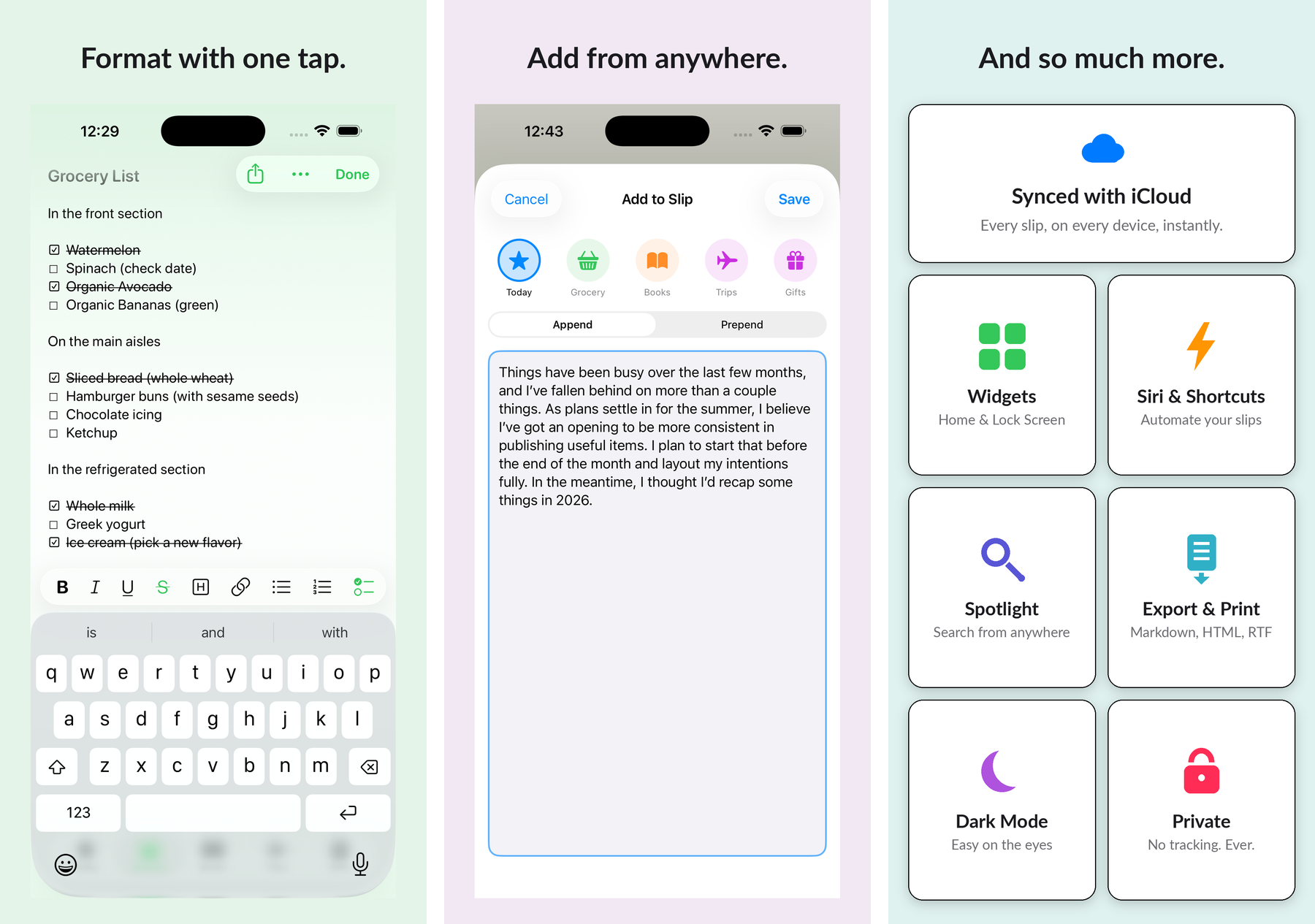
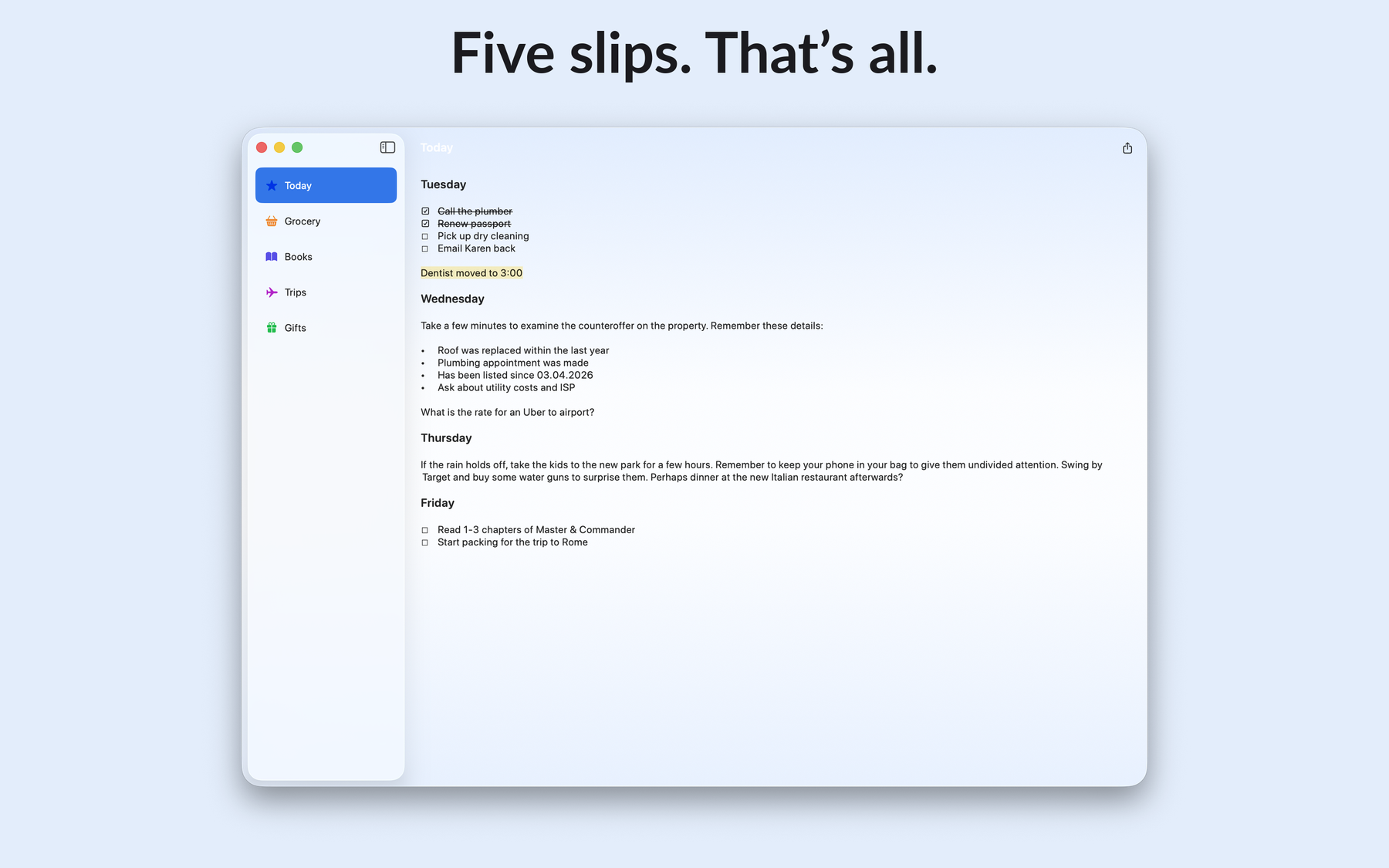
Five fixed slips, each with its own name, icon, and accent color. Rich text editing with bold, highlights, headers, bulleted and numbered lists, tap-to-check checklists, and links that become preview cards. Private iCloud sync across all three platforms with no account to create. Daily local backups on every device with one-tap restore and file export. Home Screen and Lock Screen widgets, a Control Center button, Siri and Shortcuts actions, share sheet input, and Spotlight search. On iPhone the slips are tabs; on iPad and Mac they’re a sidebar, and the Mac version is a real Mac app with menu bar formatting and Cmd+1 through Cmd+5 slip switching. Accessibility is first class: full Dynamic Type, VoiceOver, Reduce Motion, and Reduce Transparency support.
Screenshots
Right-click any image to save it, or use the direct downloads below each one.

Download hero image (PNG, 1800px)
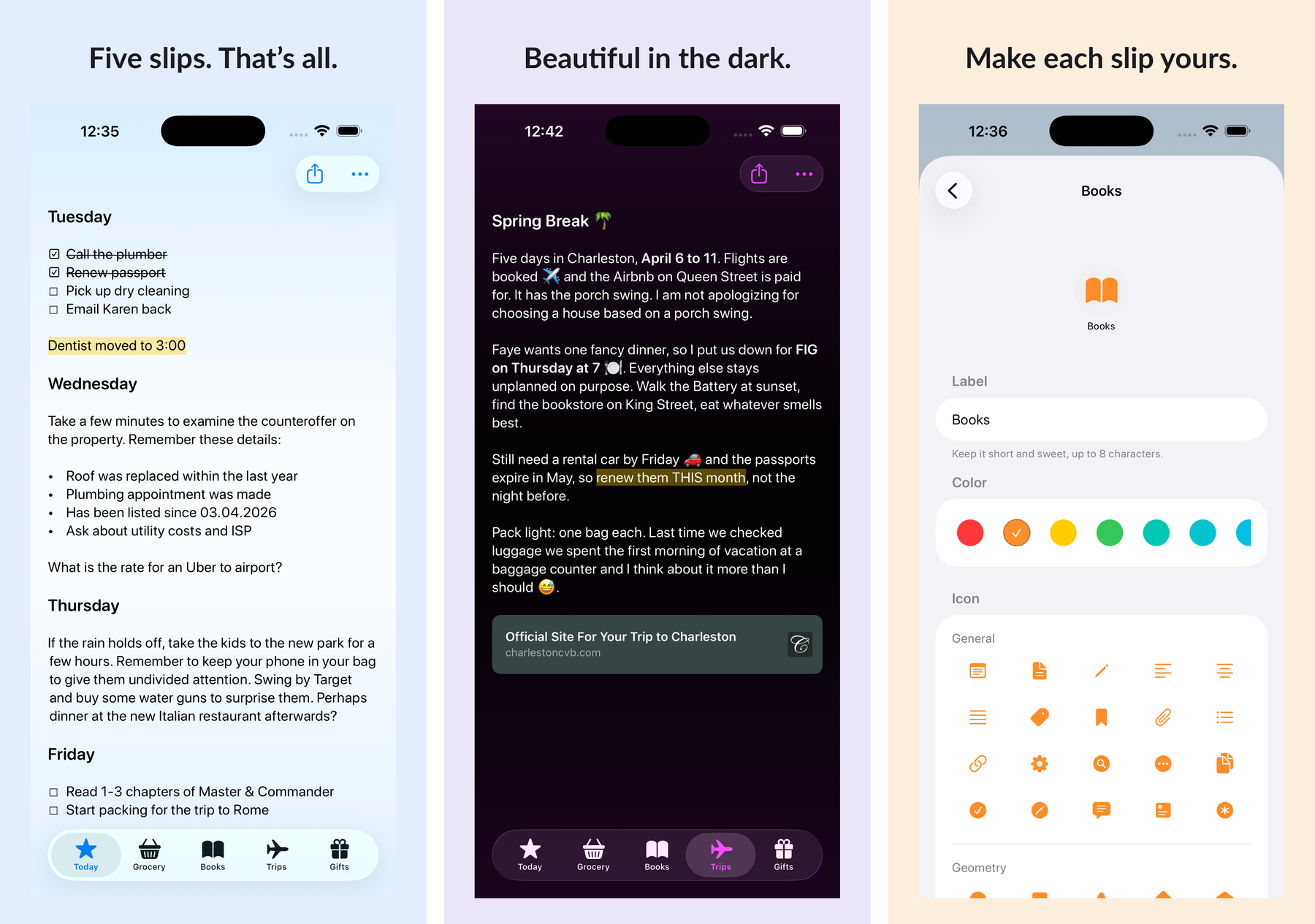

Download iOS screenshots (PNG, 1800px)

Download Mac screenshot (PNG, 1800px)
Icon

Download app icon (PNG, 640px)
Review copies
Happy to send promo codes for the lifetime unlock so you can review the full app. Just ask.